Audience Distance
Define the closest and typical viewers so pitch and resolution choices support real content instead of a generic specification.

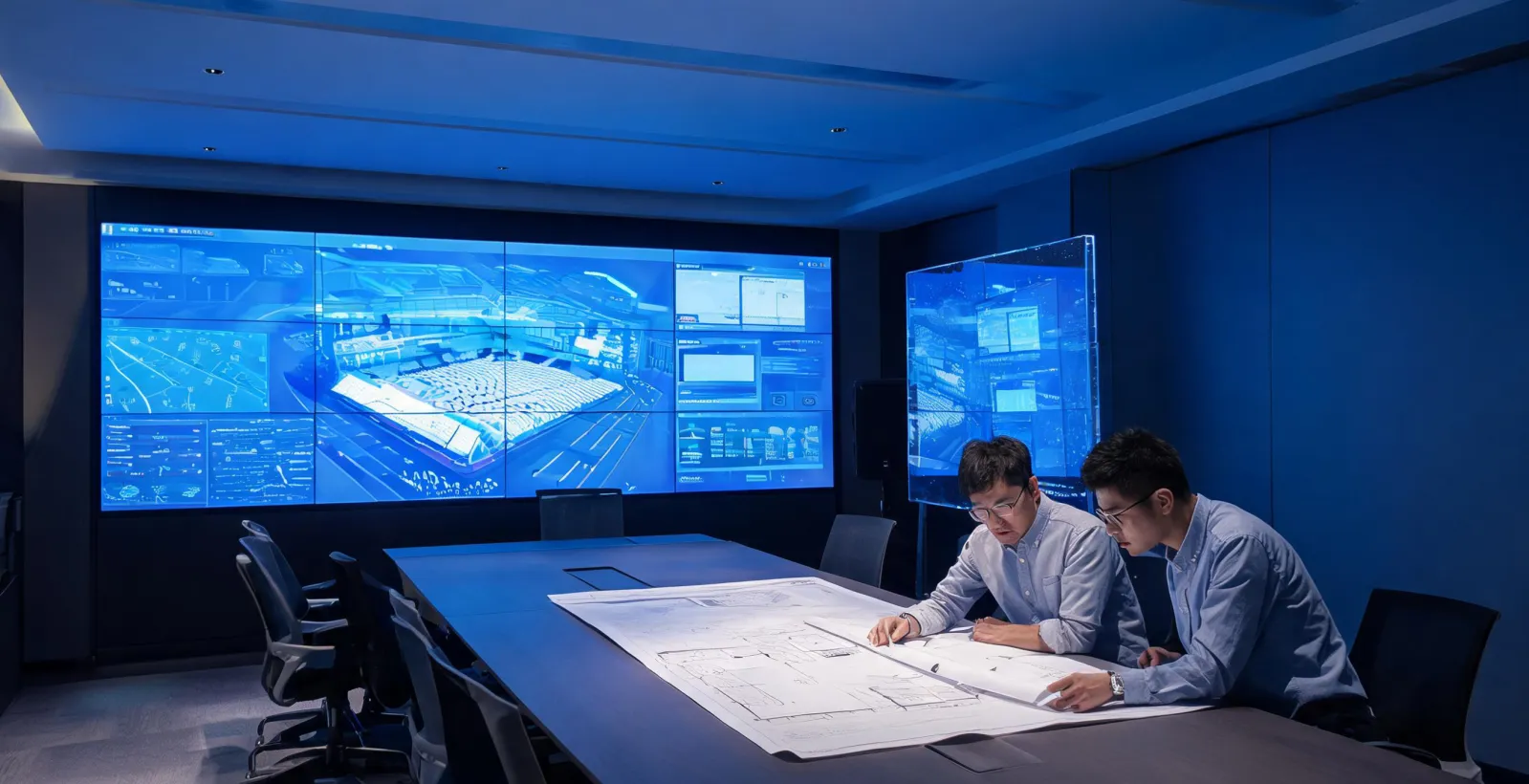
Application planning is where an impressive screen idea becomes a workable display system. Planar focuses on the decisions behind a successful LED deployment: the viewer, the room, the content, the cabinet access, the signal path and the owner handoff. The result is practical application support for professional LED Video Walls, Transparent LED and Digital Signage.
Planar application support begins with the operating environment. A stadium ribbon, a control room wall, a retail glass display and a corporate lobby all use LED technology, yet each one asks for a different balance of pixel pitch, brightness, viewing angle, service access and content control. The planning commitment is simple: make those differences clear before the display category is selected, and carry the rationale into the project documentation so future operators know why the system was configured that way.
Define the closest and typical viewers so pitch and resolution choices support real content instead of a generic specification.
Evaluate ambient light, mounting surface, service access, ventilation and physical clearance before cabinet format is selected.
Map sources, aspect ratios, control systems and update routines so the display remains useful in daily operation.
A professional display project often includes owners, architects, AV integrators, IT teams, content teams and facilities managers. Progress gates give each group a shared view of what has been decided and what remains open. Planar uses a practical sequence: confirm the viewing environment, compare display categories, review cabinet access, document signal architecture and prepare the operational handoff. This keeps the discussion grounded in installable details rather than broad promises.
When used early, these gates can prevent common late-stage friction: a pitch selected without content review, a cabinet chosen without service access, or a signage network approved without a content ownership plan.
Application planning is mostly a series of honest trade-offs. Planar names both sides so the decision is owned by the project, not deferred to whoever installs the wall.
Pushing a wall to 5000+ nits for a sunlit lobby buys daylight legibility, but it raises power draw, heat load and long-term panel ageing. A shaded control room rarely needs more than 600–1000 nits, and over-spec brightness there only adds cost and cooling. The right answer follows the room's actual ambient light, not the brightest data sheet.
Dual controllers, hot-spare power and N+1 receiving cards keep a 24/7 wall alive through a single failure, but they add cost and rack space. A lobby that is dark overnight may not justify it; a transport or security wall usually does. Planar puts the failure mode in front of the owner rather than letting redundancy be silently dropped to hit a number.
A single seamless wall reads as one image but is harder to service and ship. Several smaller displays are easier to maintain and stage, yet need a content system to stay coordinated. The choice depends on whether the room values visual impact or operational simplicity more.
A fine-pitch wall fed a low-resolution source still looks soft. Native content resolution and scaling must match the wall, or the pitch investment is wasted.
Behind a storefront, transparent LED brightness competes with the sun. In strong direct light, content legibility drops regardless of the panel rating.
If structure leaves no rear corridor, front-service is mandatory and adds depth. This is a building constraint the display cannot override.
Send the venue type, wall dimensions, audience distance and content sources. Planar can help identify the display questions that deserve attention first.